Outline View vs Canvas View: Two Brains, One Map
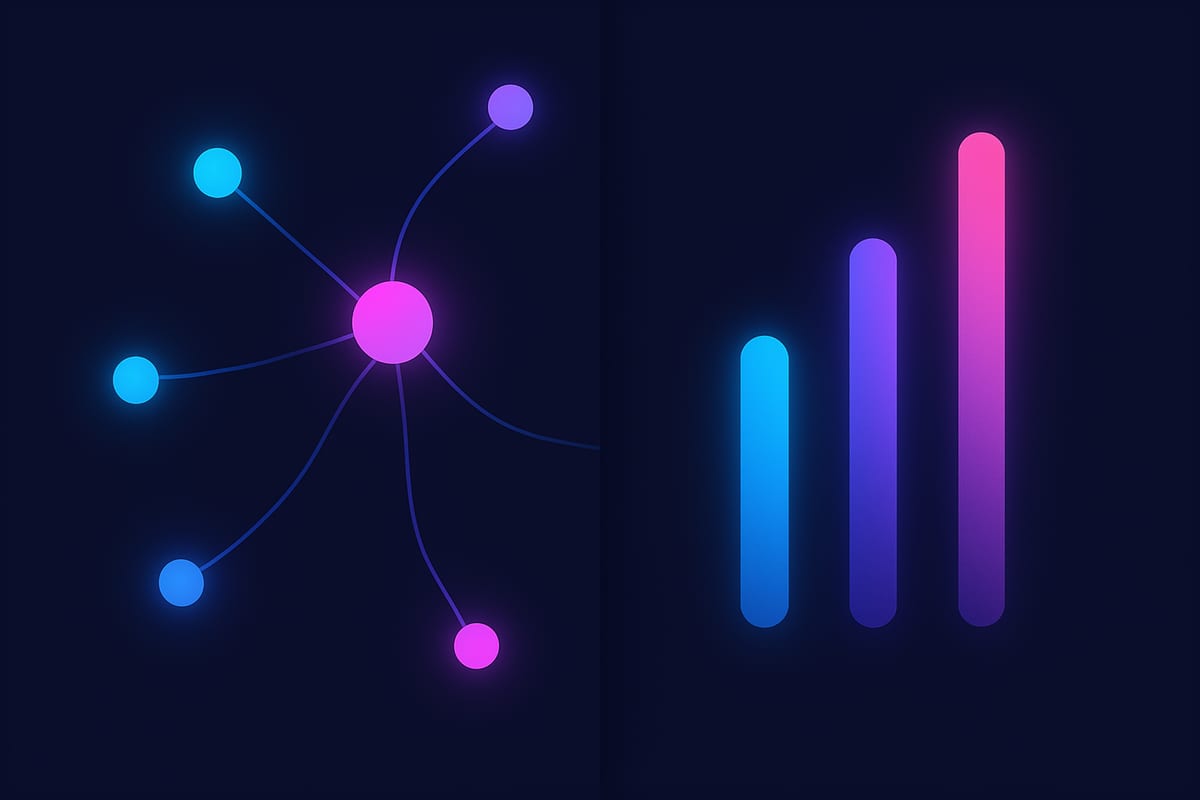
Canvas and Outline are the two views people reach for most, and they feel almost opposite: one sprawls across infinite space, the other stacks into a neat vertical list. It’s tempting to pick a favourite and stay there. Don’t. They’re two lenses on the same structure, each strong exactly where the other is weak, and the real skill is knowing when to flip.
Canvas View: thinking in space
The Canvas is where ideas are born. Spatial layout engages your spatial memory, lets you cluster related thoughts physically, and shows relationships — including cross-branch connections — as visible lines. It’s expansive and forgiving, which is exactly what early, messy thinking needs.
Canvas wins when: you’re brainstorming, the structure isn’t settled yet, relationships matter more than sequence, or you’re a visual thinker who needs to see the shape of an idea to hold it.
Outline View: thinking in sequence
The Outline is where ideas get disciplined. The same nodes become a collapsible, indented hierarchy — clean, linear, scannable. Collapse a branch to hide detail; expand it to dive in. It’s how a document wants to be structured, and it’s far easier to read top-to-bottom than a busy canvas.
Outline wins when: the structure has stabilised, you’re turning a map into writing, you need to share it as a readable document, or the content is genuinely hierarchical (a table of contents, a spec, a nested plan).
Canvas is for divergence — getting ideas out and seeing how they relate. Outline is for convergence — tightening them into a sequence you can act on or write down. Most good thinking needs both, in that order.
The workflow that uses both
Here’s the move that makes the two views more than the sum of their parts: diverge on the Canvas, converge in the Outline.
- Start on the Canvas. Dump, cluster, connect. Let it be messy and spatial.
- When the shape settles, flip to Outline. Suddenly you see the linear order, spot the gaps, and notice the branch that’s three levels deep when it should be one.
- Found a problem? Flip back to Canvas to rearrange spatially, then return to Outline to check the new sequence.
Because both views render the same underlying map with zero data loss, switching costs you nothing and reveals something every time. A branch that looked balanced on the canvas can look bloated in the outline — and vice versa. The friction-free flip is itself a thinking tool.
Don’t forget the other two
Canvas and Outline are the headline act, but Tree View (clean hierarchy, great for decisions) and Table View (rows and attributes, great for structured data) round out the set. We cover all four in the 4 views of a mind map.
Try switching views on your own map free → The flip is one click, and it changes what you see every time.